1
Open the puzzle menu
Click Chrome's extensions icon in the top-right toolbar.
 ThreadSorter

Turn Gmail into a focused follow-up queue. Mark one thread, choose a reminder, and keep Waiting, Needs reply, and Done one toolbar click away.
Chrome hides new extensions under the puzzle icon. Pin ThreadSorter so the overdue badge can do its job.
Click Chrome's extensions icon in the top-right toolbar.
ThreadSorterpush_pinClick the pin beside ThreadSorter so it stays on the toolbar.
ReadyWhen reminders are due, the toolbar badge shows what needs attention.
The first useful action takes under ten seconds and does not require a separate CRM setup.
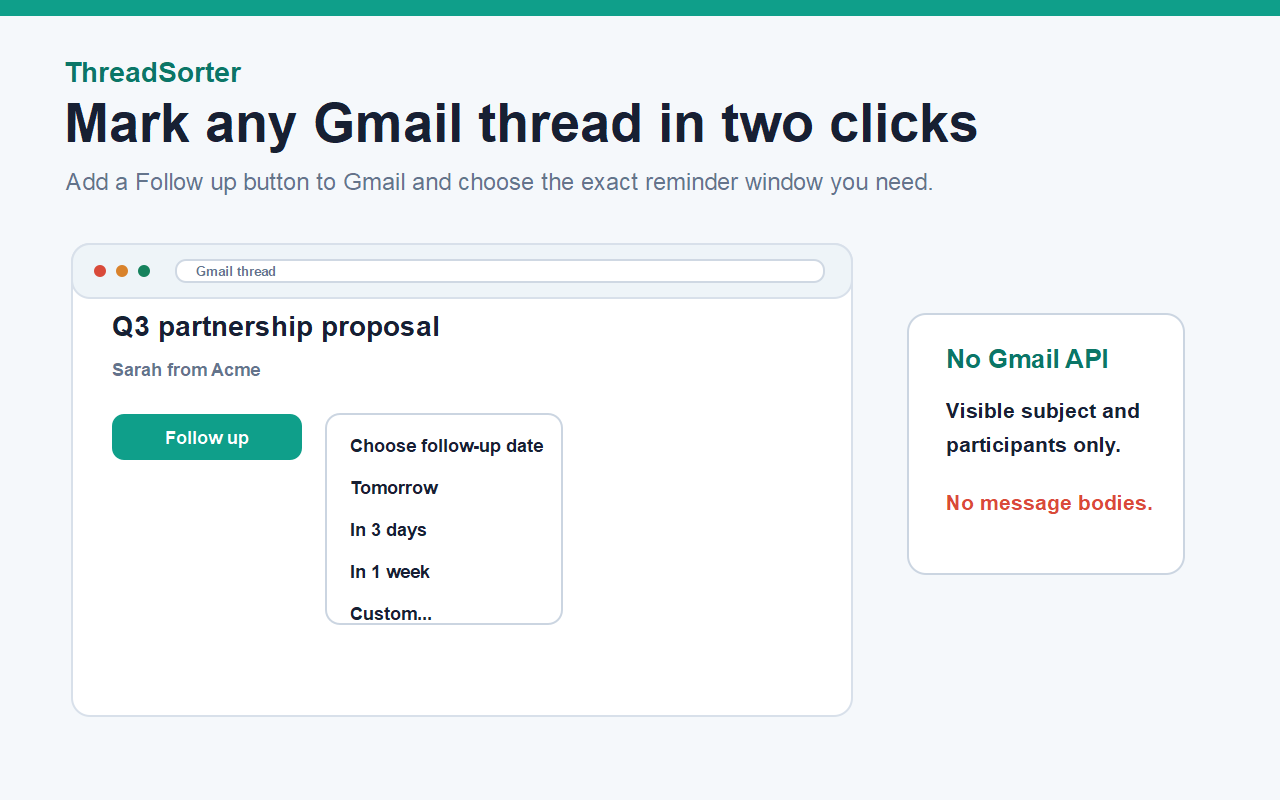
ThreadSorter attaches to visible Gmail conversations only when you choose to use it.
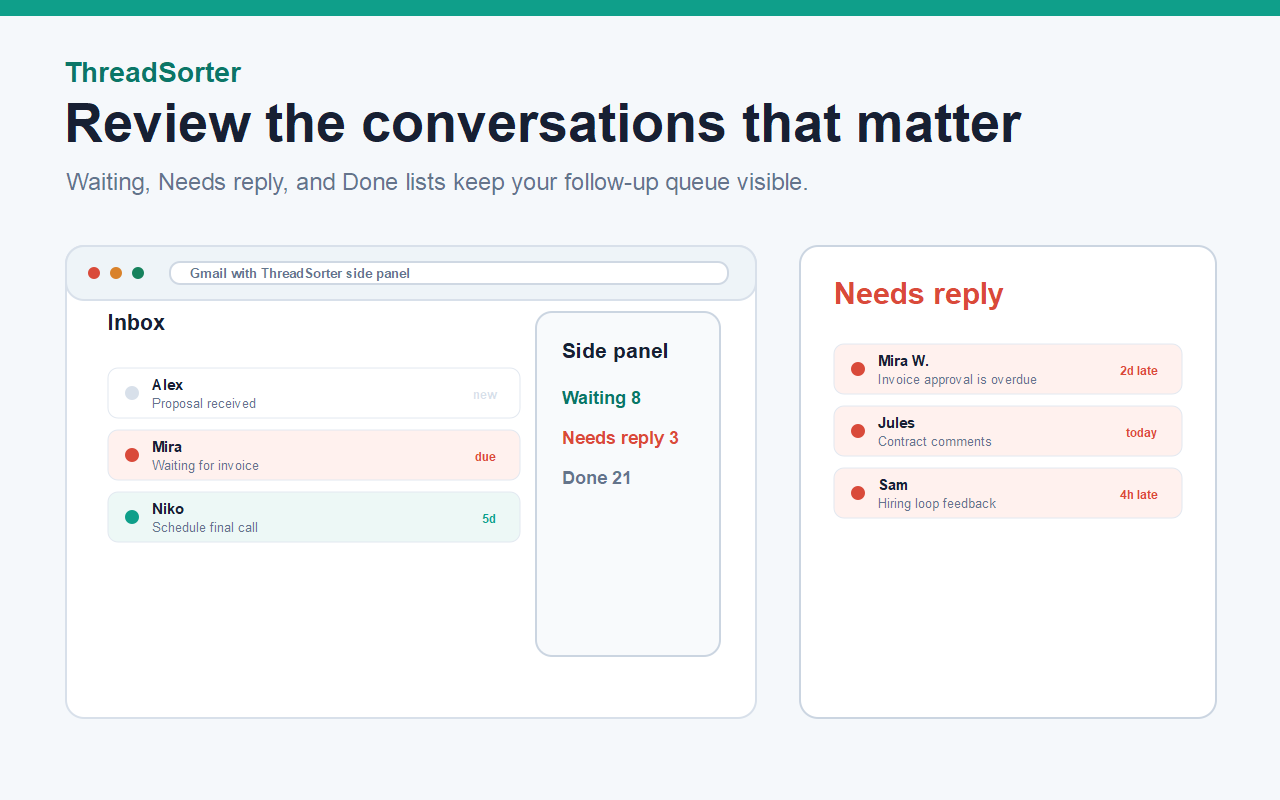
Waiting, Needs reply, and Done keep conversations visible until you close the loop.
No hidden tracking pixels, no automatic sending, no contacts import, and no message body reads.
Mark a Gmail thread without moving it into a separate CRM.
Tomorrow, 3 days, 1 week, or a custom reminder window.
Due reminders move into Needs reply and update the badge.
Save common replies and insert them manually into Gmail compose.
Threads, snippets, and settings live in Chrome local storage.
Export your local ThreadSorter data as JSON from settings.
Short tactical templates for freelancers, founders, recruiters, agencies, and support teams who live in Gmail.




StarWhisper turns speech into clean text for follow-up replies, client updates, recruiting notes, and browser work. It is the natural companion for the Gmail threads ThreadSorter brings back to your attention.
Free for personal use. One subscription unlocks Pro across every extension we make.